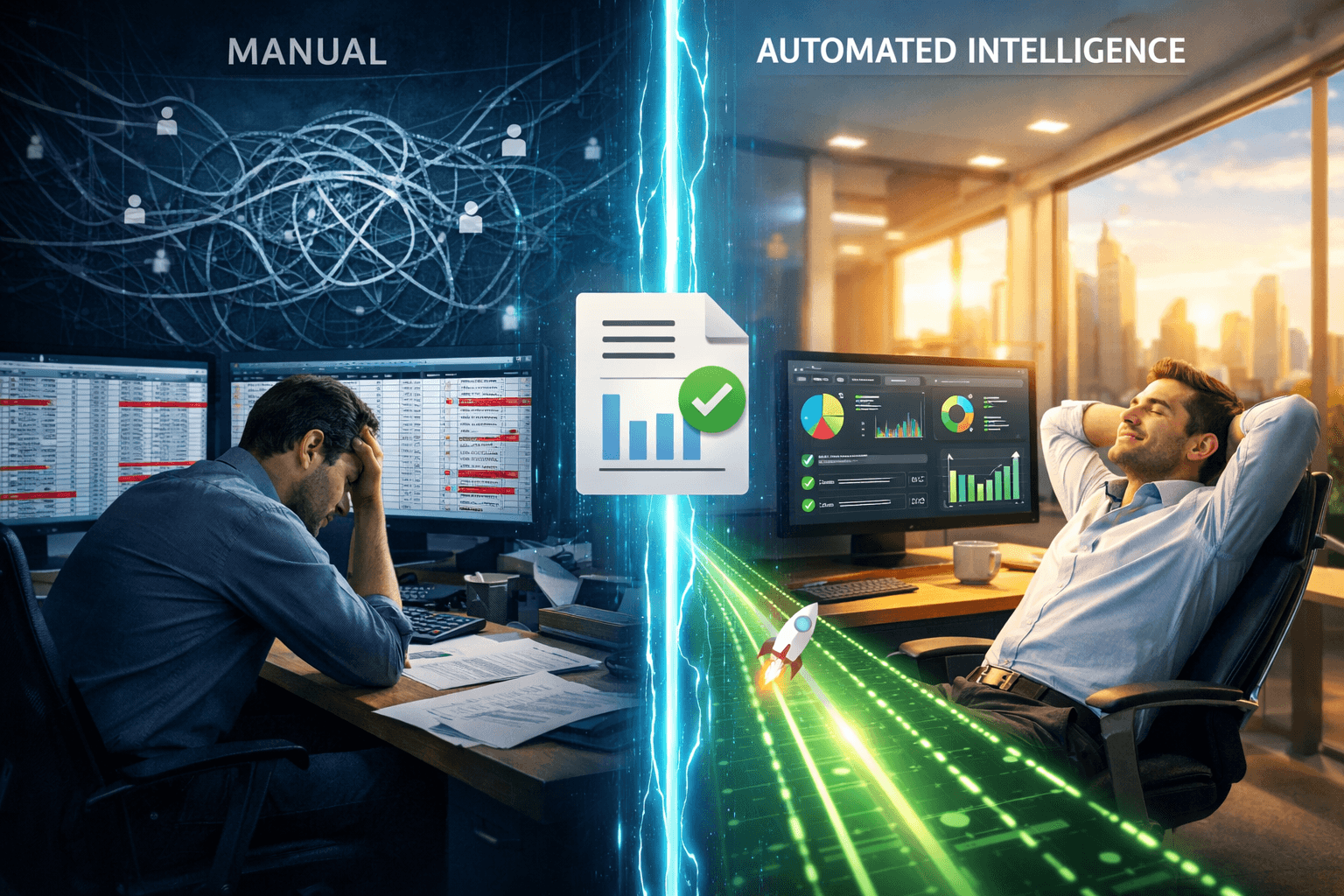
If you’ve ever sat staring at a spreadsheet at 6:00 PM, trying to figure out if SQ *PURCHASE_332 was a legitimate business expense or a coffee run, you know the specific kind of headache I’m talking about.
For years, we’ve accepted “manual data entry” as just part of the job in finance and lending. We download the PDFs, export the CSVs, and roll up our sleeves to play a high-stakes game of “Guess the Merchant.”
But here’s the truth we don’t talk about enough: Manual categorization isn’t just boring it’s actually holding your business back.
The High Price of “Doing it Manually”
When we talk about the “cost” of manual work, we usually talk about dollars. But as someone running a team or a business, the real cost is often human:
- The “Zoom Out” Factor: Your smartest analysts didn’t go to school to copy-paste rows in Excel. When they spend 70% of their week tagging transactions, they burn out. Fast.
- The “Human” Error: Let’s be honest after row 200, everything starts to look the same. It’s incredibly easy to mislabel a loan repayment as “miscellaneous income.” One tiny slip-up can completely flip a credit decision.
- The Speed Trap: In 2026, your customers don’t want to hear “we’ll get back to you in three days.” They want an answer now. If your process relies on a human clicking through a bank statement, you’ve already lost the lead to someone faster.
What is Automated Transaction Categorization?
Strip away the “AI” and “Machine Learning” buzzwords for a second. At its heart, automated transaction categorization is just a really smart assistant that speaks “Bank.”
It takes that messy string of text—the one that looks like a cat walked across a keyboard and turns it into something a human can actually use.
The Headache: TXN_09JAN_AMZN_MKT_3411
The Insight: Amazon (Category: Office Equipment)
By using a Bank Statement Analyser, you aren’t just “automating a task.” You’re clearing the clutter so you can actually see the financial story the data is trying to tell you.
3 Ways Automation Transforms Your Workflow
- You Actually Get Your Evenings Back: Instead of spending hours verifying income or flagging expenses, the software does the “grunt work” in seconds. You spend your time making the decision, not preparing the data.
- You Can Scale Without the Stress: Usually, more clients mean you need to hire more people just to keep up with the paperwork. Automation lets you handle 10x the volume without adding 10x the stress.
- Better Gut Feelings (Backed by Data): Automation catches the weird stuff—the small recurring subscriptions or the suspicious patterns—that we often blink and miss when we’re rushing through a bulk review.
Choosing the Right Bank Statement Analyser
You don’t need the most expensive tool; you need the one that’s easiest to live with. Look for:
- Accuracy that actually works: If you have to fix 50% of the “automated” tags, it’s not saving you time.
- Deep detail: It shouldn’t just say “Shopping.” It should tell you if it was “Software” or “Supplies.”
- Plays well with others: It should fit into your current workflow—whether that’s a simple Excel export or a direct API.
The Bottom Line
Manual entry is a 2010 solution to a 2026 problem. We have enough on our plates without playing detective with every bank statement that hits our inbox.
Automating your transaction categorization isn’t about replacing people; it’s about giving your people their brains back. It’s about moving from “What is this?” to “How do we grow?”
Ready to replace the spreadsheets?
If you’re tired of the manual grind, see how our Bank Statement Analysis tool can handle the heavy lifting for you. It’s fast, it’s accurate, and it actually makes bank analysis feel… easy.